

Congratulations! You are on your first step into the new normal of online hearings! The risk of social interaction has allowed for the use of technology for lawyers to conduct cases online via video conferencing.
What is video conferencing?
A video conference is essentially a video call with more than 1 person. Video conferencing applications create 'rooms' for participants to talk in. For us lawyers, these rooms are more of 'virtual courts'. The advancement of such technologies now allow for various features to be presented from within the virtual courts, like audio, video, screen sharing.
How does it work?
Through the magic of technology, when you join a virtual 'room' the video and audio that comes from your computer are transmitted to the internet to be viewed by other persons in their room. This happens instantaneously and seamlessly in the background.
What do I need to get started?
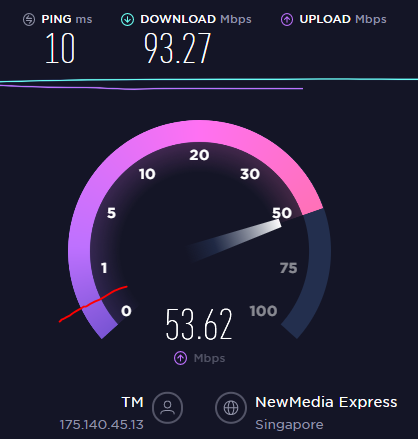
The basic components to get you started begins with a strong internet connection. Your internet, depending on where you are, with either be a wired, wireless or mobile connection. For Zoom, the company recommends speeds in excess of 500kbps. You can use SpeedTest by clicking here.
Now that you have a good connection, make sure you have a compatible device. You will need either:
- A desktop computer or a laptop with a webcam. For a guide on whether your computer is compatible, click here.
- A tablet or smartphone with a camera (guide coming soon!)
- A headset (if possible) for better audio
- A video conference application, like Zoom.
Once you have the above, you're all set! Happy video conferencing!